
Setup & FAQs
Setup Guides — Box Seats SETUP GUIDES
Install Box Seats on any device
Pick your device from the list and follow the step-by-step guide. TABLE OF CONTENTS- 01 Android TV 02 Samsung Smart TV 03 Amazon Firestick 04 PC (Windows / Mac) 05 Android Phone & Tablet 06 iPhone & iPad
Android TV
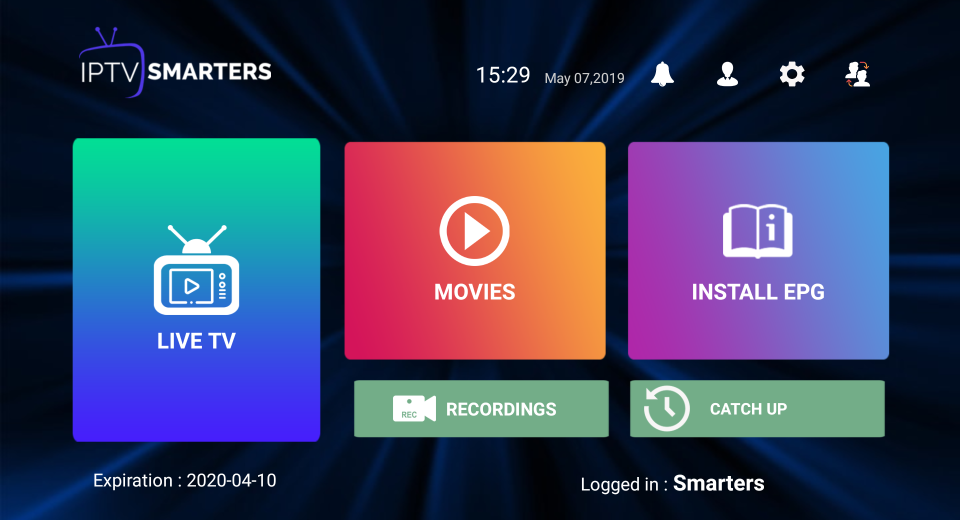
- Download the IPTV Smarters lite app on your Android TV.
- Login to the application with your subscription details (sent to you by email after purchase).
- After login, upgrade to the Premium Version to unlock exclusive features.
Samsung Smart TV
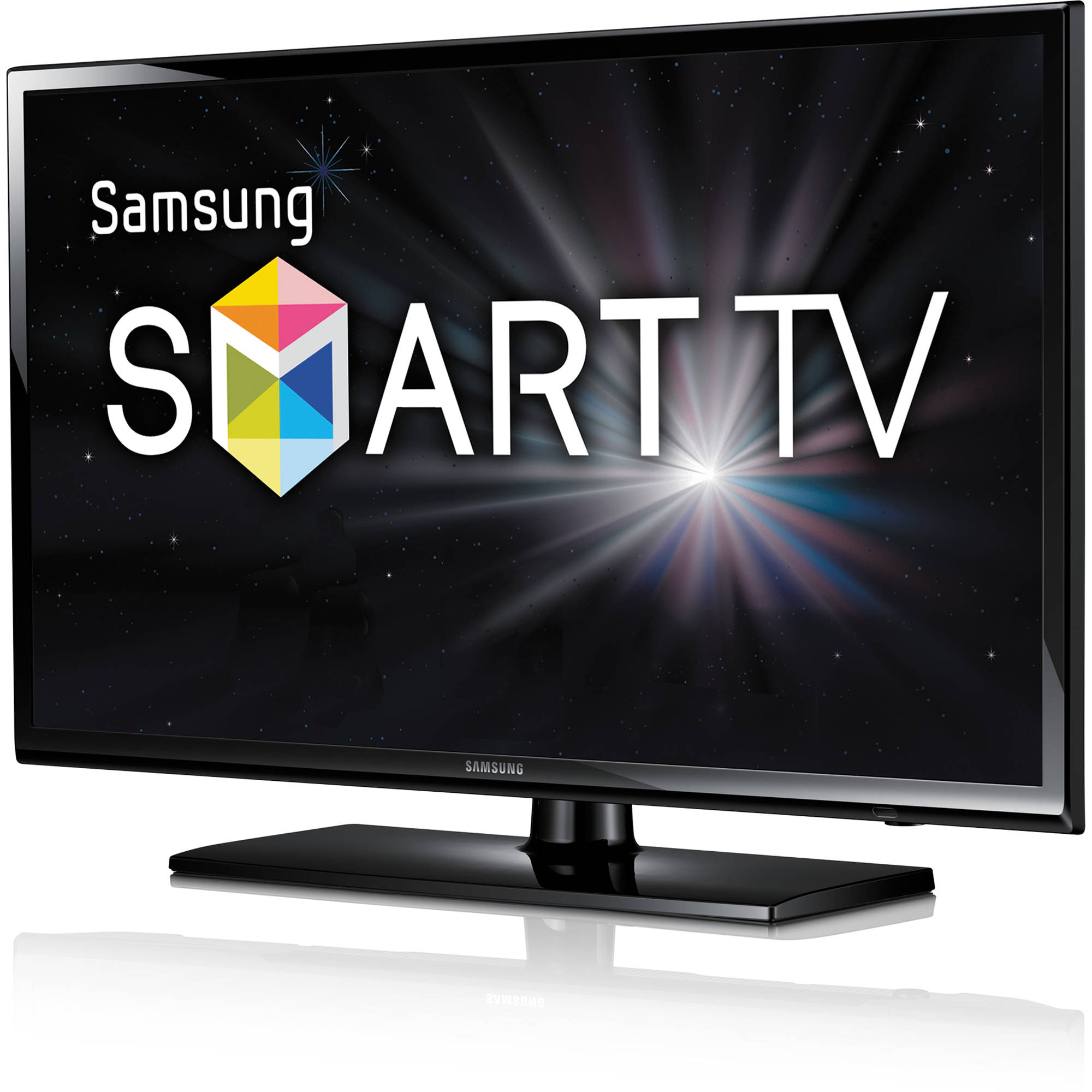
- After connecting your Samsung TV to the internet, open the Samsung Smart Hub app.
- Navigate to Search and type IPTV Smarters lite to find the app.
- Click Install and download the app onto your Samsung TV.
- Open the app and log in with your subscription details: Username, Password and Portal URL.
- Note: Premium Version features are not available on Samsung Smart TVs.
Amazon Firestick
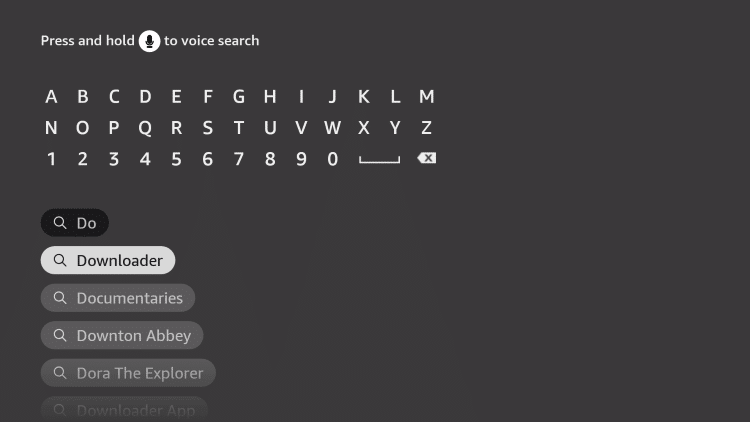
- Turn on your Fire TV device and click on the Search icon.
- Type Downloader using the remote.
- Click Download to install the Downloader app from the Amazon App Store.
- Go to Settings → My Fire TV → Developer Options → Install Unknown Apps → Downloader → Turn on.
- Open the Downloader app, enter the full APK link and install the IPTV app.
- Once installed, select Open to launch the IPTV app and log in with your subscription details.
PC (Windows / Mac)
- Open a web browser on your PC.
- Search for IPTV Smarters and download the APK from the official website.
- Visit bluestacks.com and install the BlueStacks emulator.
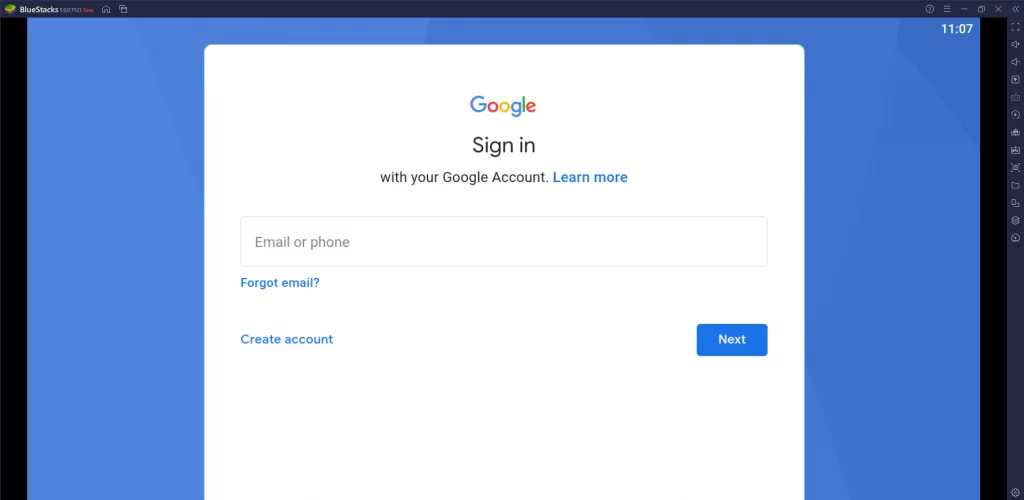
- Open BlueStacks and sign in with your Google account.
- Select Install APK on the right-hand menu and choose the IPTV APK file.
- Log in to the application with your subscription details.
Android Phone & Tablet
- Download the IPTV Smarters lite app from the Play Store.
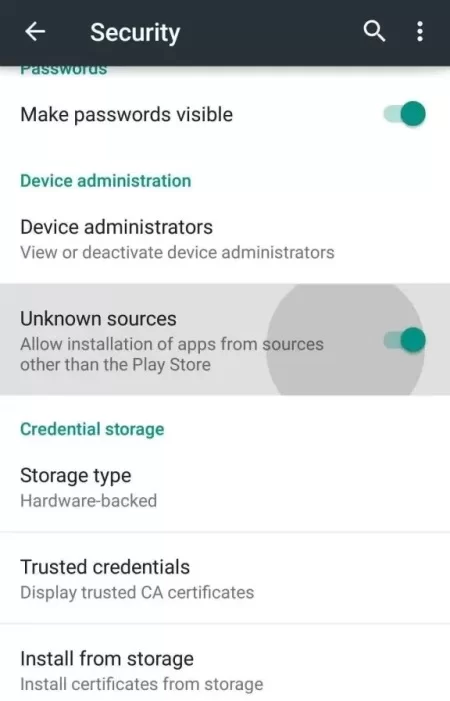
- Under Device Administration, enable the Unknown Sources option (if installing via APK).
- Log in to the application with your subscription details.
- After login, upgrade to the Premium Version to unlock exclusive features.
iPhone & iPad
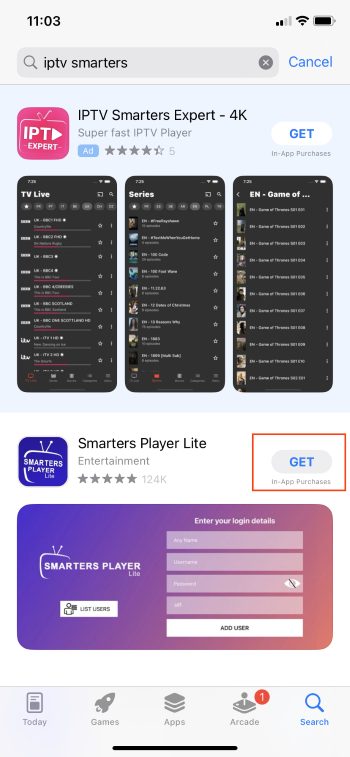
- Unlock your iPhone/iPad and open the App Store.
- Search for IPTV Smarters and tap Get to install it.
- Launch the IPTV Player by tapping Open.
- Log in with your subscription details (provided in your activation email).