
Box Seats App
Free to install, on Android TV OS 8.1 or newer.
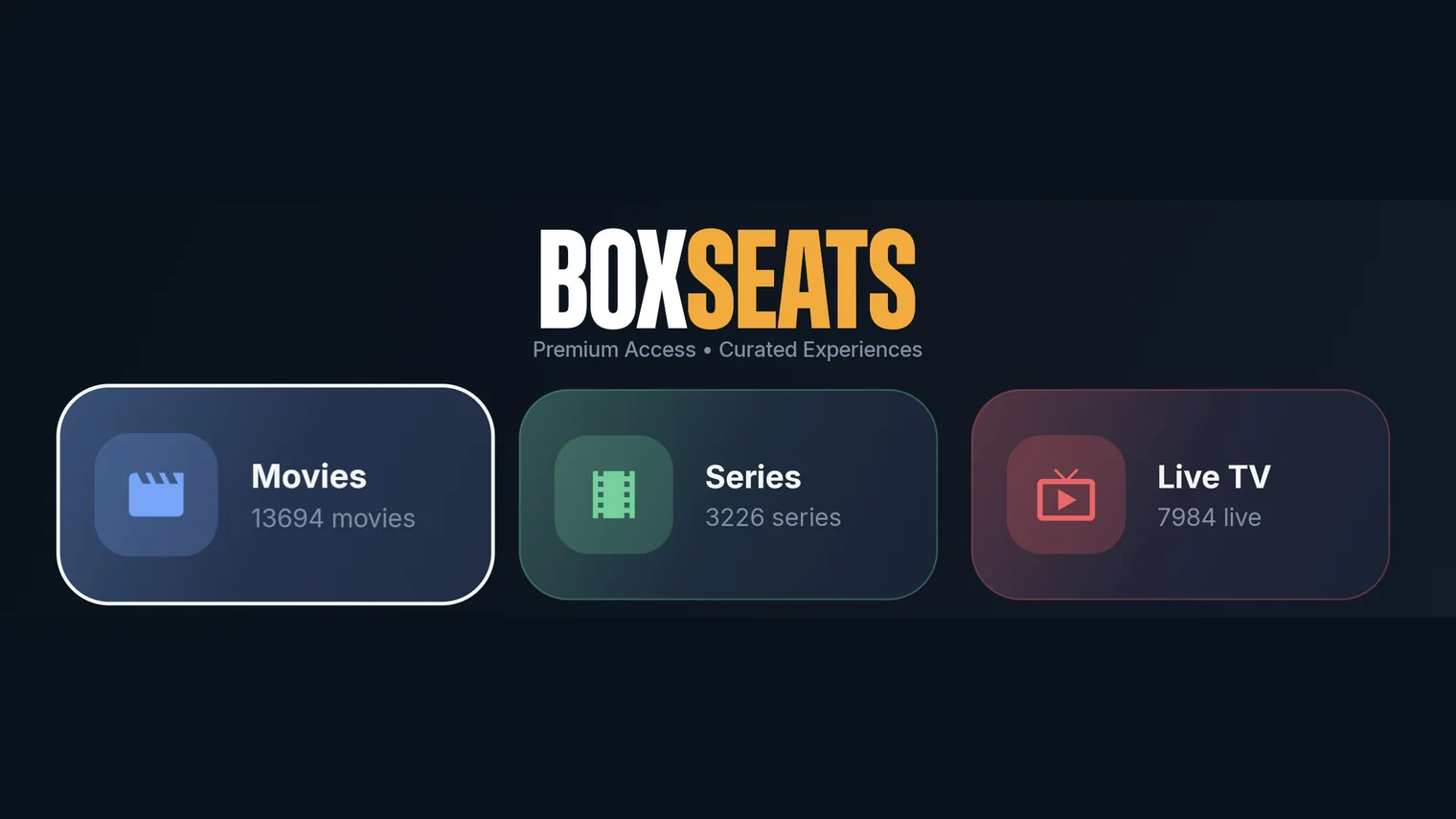
The Box Seats app is our own player for Android TV, Google TV, Android phones and tablets. Sign in once with the details we email you after purchase, and your live channels, movies and series arrive as fast, remote-friendly screens built for the biggest display in the house.
The Box Seats launch screen. Photo by YoTuT, CC BY 2.0.
Built for the television
D-pad navigation, a launcher banner and layouts sized for the sofa — with the same app on your phone or tablet for when you are away from it. Type a channel number on the remote to jump straight to it, and the app stays quick on a full lineup rather than a demo-sized one.
- Live TV with favourites, recently watched and your own channel groups.
- A full EPG guide you can search, with catch-up and archive playback where your package offers it.
- Live rewind, so you can go back on a channel you are already watching.
- Scheduled recording, with reminders set straight from a guide entry.
- Subtitles, audio tracks, aspect ratio, speed and quality controls in the player.
- Parental controls that hide categories completely, or lock them behind a PIN.
Your whole library, one search away
Movies and series in modern shelves or classic sidebar categories, with continue watching, resume where you stopped and automatic next episode. Search the entire library from the top of any screen.
Get the app
Install it from Google Play on your Android TV, Google TV, phone or tablet. On a Firestick or TV box that has no Play store, install the APK instead. You will need an active Box Seats subscription to sign in — pick a package and we will email your login details within one business day.
On a device the app does not run on, such as an iPhone, iPad or a Samsung smart TV? Our setup guides cover those.
The Android robot is reproduced or modified from work created and shared by Google and used according to terms described in the Creative Commons 3.0 Attribution License.