
Setup guides
Set up Box Seats on your device
Pick your device and follow the step-by-step guide. Most run the Box Seats app itself; the rest — Samsung, Hisense and Toshiba TVs, and iPhone — use a free player against the same subscription.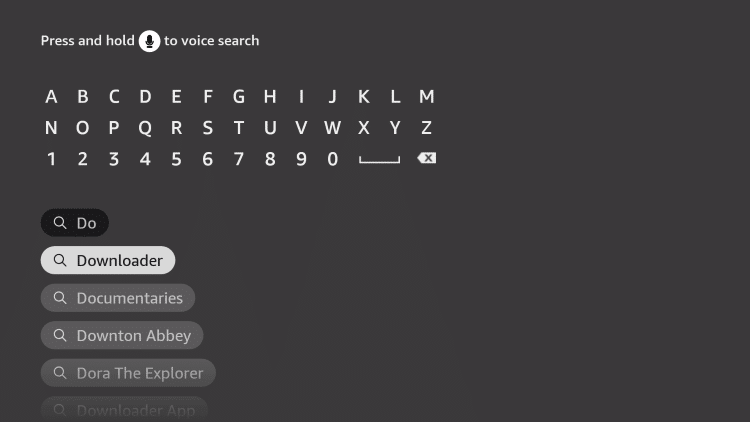
Fire OS
Amazon Firestick
Runs on Amazon’s Fire OS. The Box Seats APK is side-loaded through Downloader, so Fire TV must allow it once.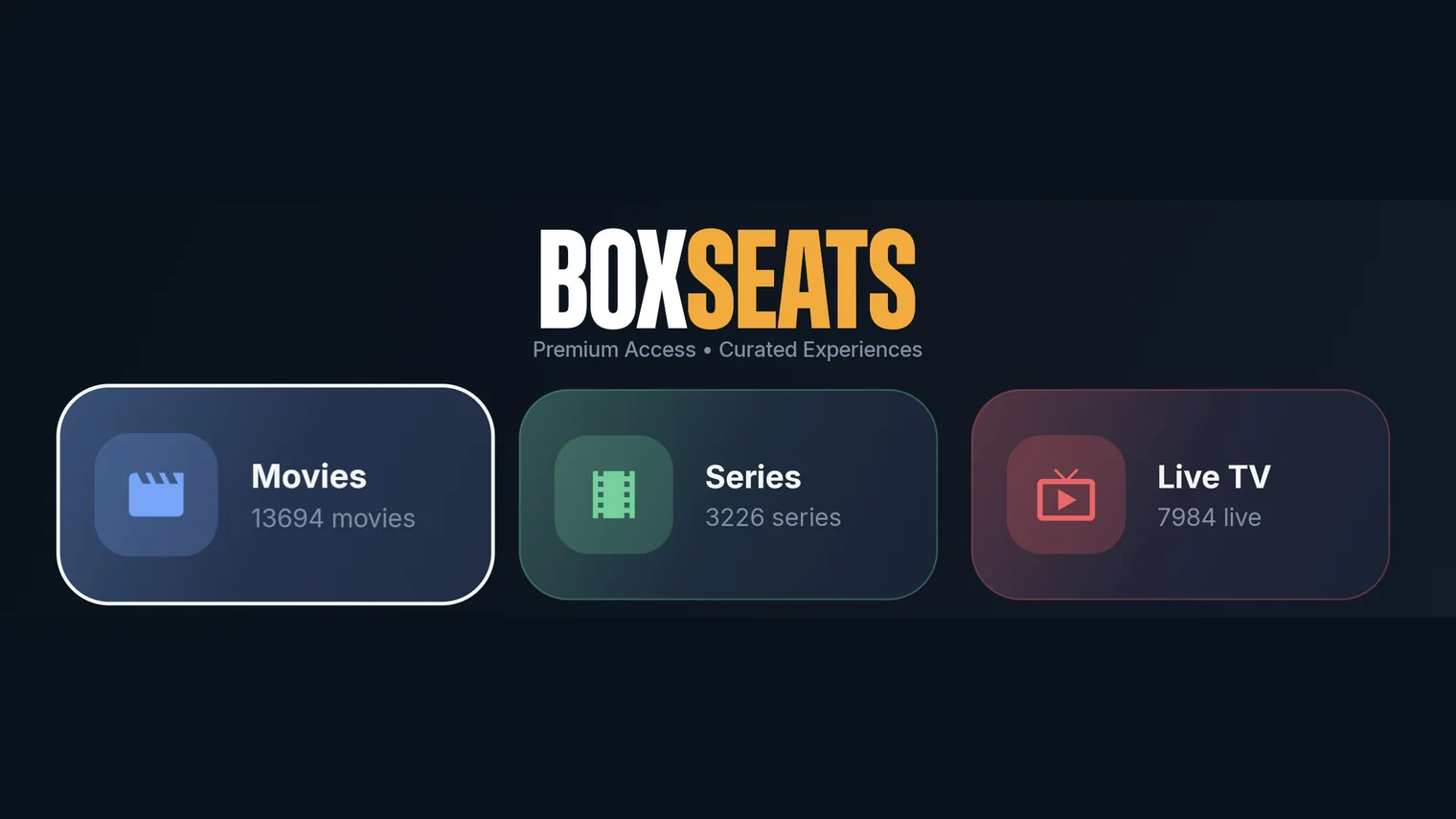
Box Seats app
Best free app for this device · Direct APK, via the Downloader appFree
01
Turn on your Fire TV device and click on the Search icon.
02
Type Downloader using the remote.
03
Click Download to install the Downloader app from the Amazon App Store.
04
Go to Settings → My Fire TV → Developer Options → Install Unknown Apps → Downloader → Turn on.
05
Open the Downloader app, enter https://www.boxseats.tv/download/ and install the Box Seats app.
06
Once installed, select Open to launch Box Seats and sign in with your subscription details.
Get started
Ready to start streaming?
Pick a package and we'll email your login details within one business day.The Android robot is reproduced or modified from work created and shared by Google and used according to terms described in the Creative Commons 3.0 Attribution License. Google Play and the Google Play logo are trademarks of Google LLC.