
Installation
Set up Box Seats on your device
Pick your device and follow the step-by-step guide. Most run the Box Seats app itself; the rest — Samsung, Hisense and Toshiba TVs, and iPhone — use a free player against the same subscription.01
App store
02
Downloads
Firestick APKAmazon Firestick and Fire TV only · installed through Downloader
Showing below
macOS (Intel + Apple Silicon)One universal build for both Macs · needs Java 17
Open
Linux installer.deb for Debian and Ubuntu · bundles its own runtime
Open
Windows installerDisable your antivirus first · if Windows warns, click More info, then Run anyway
Open
New · Box Seats 4.1
The best-in-class Android TV app — just launched
Free for everyone with a Box Seats package, on Android TV, Google TV, phones and tablets. Get it — or update it — from Google Play.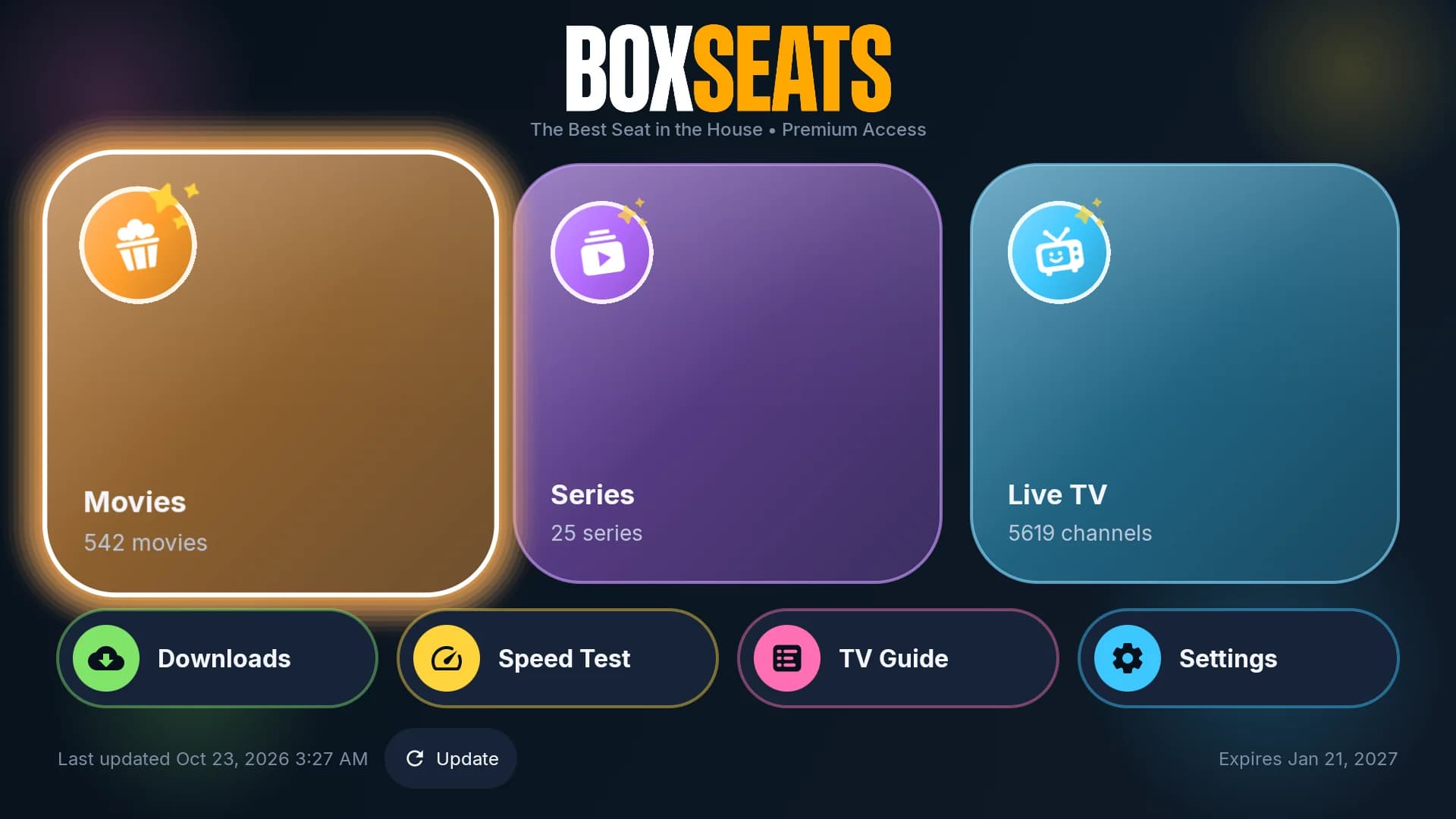
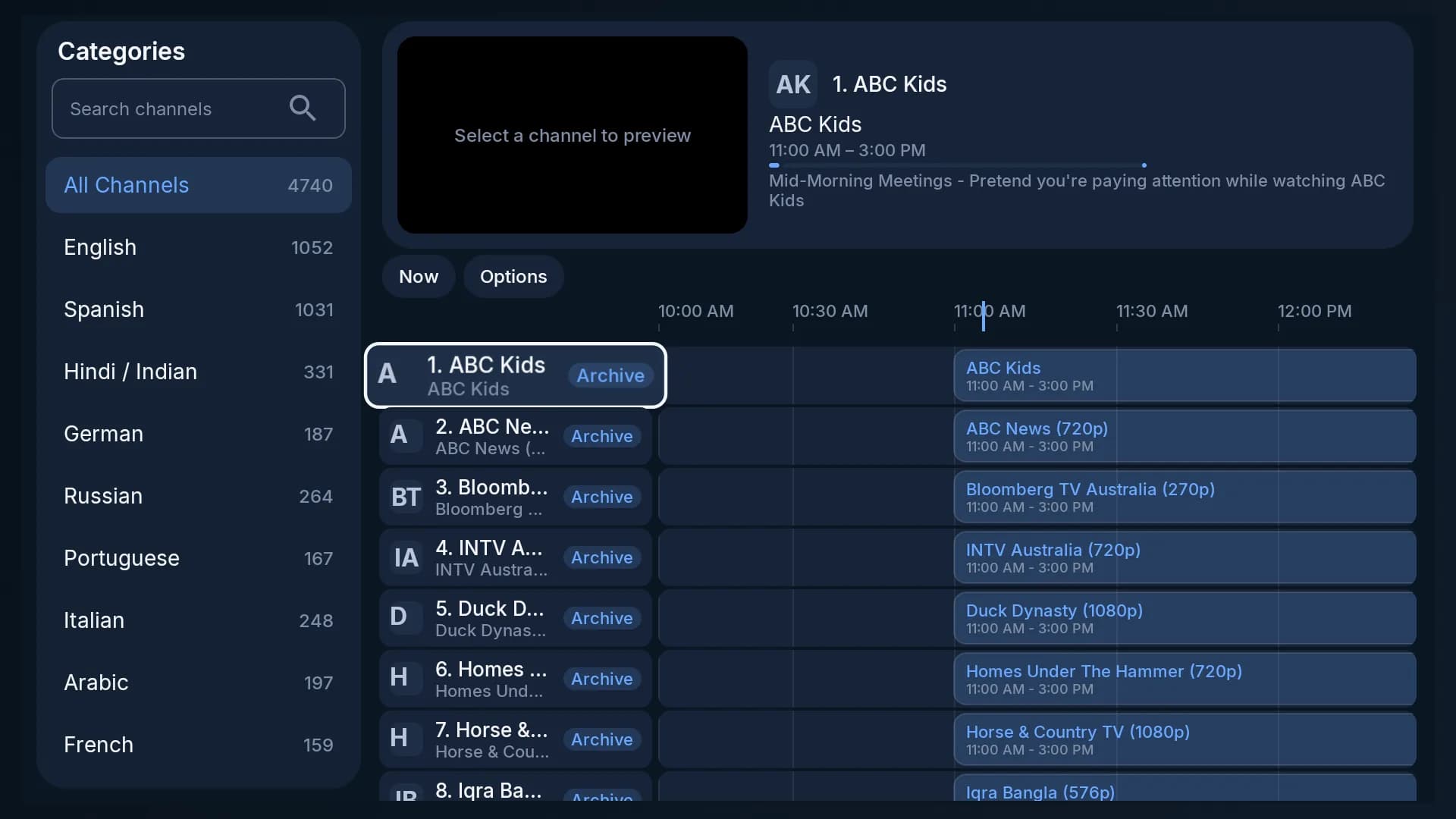
A new TV GuideWhat is on now and next across every channel, with a live preview, channel search and categories down the side.
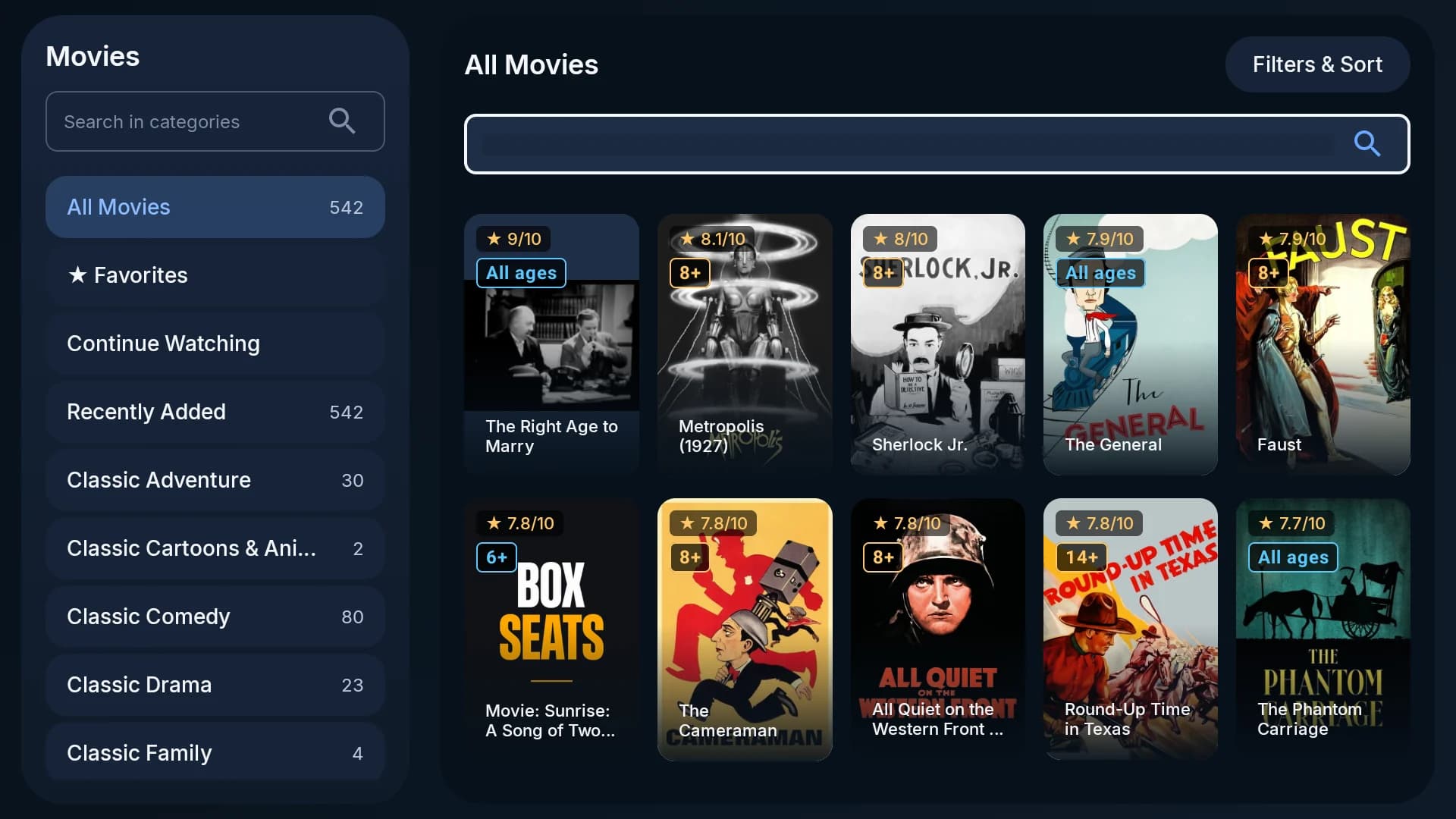
Movies, sorted for the sofaCategories down the side, a rating on every poster, search at the top, and Recently Added refreshed every day.
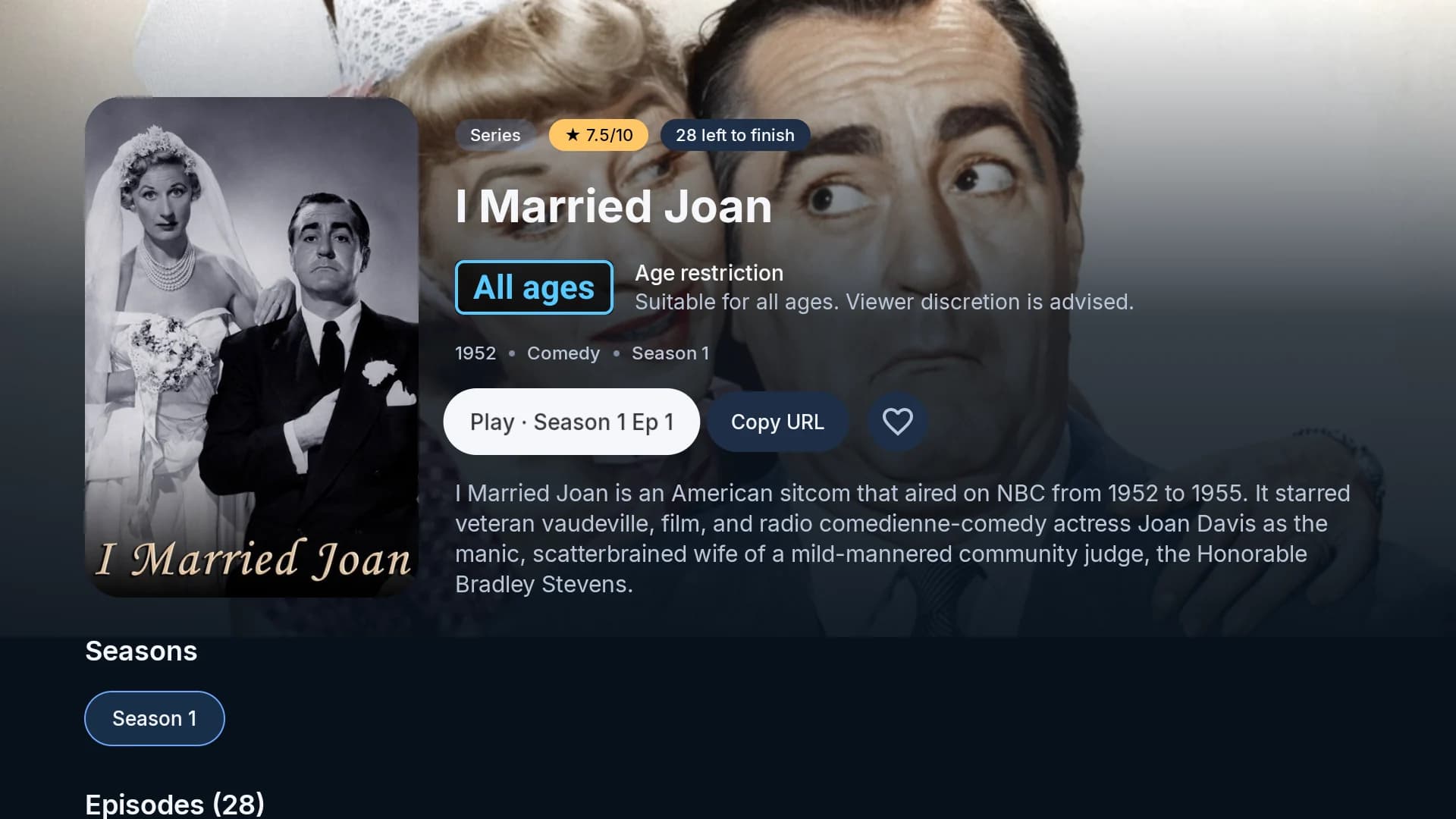
Straight to PlayEvery title opens with Play already selected — on a series, at the next episode, with every season and episode below.
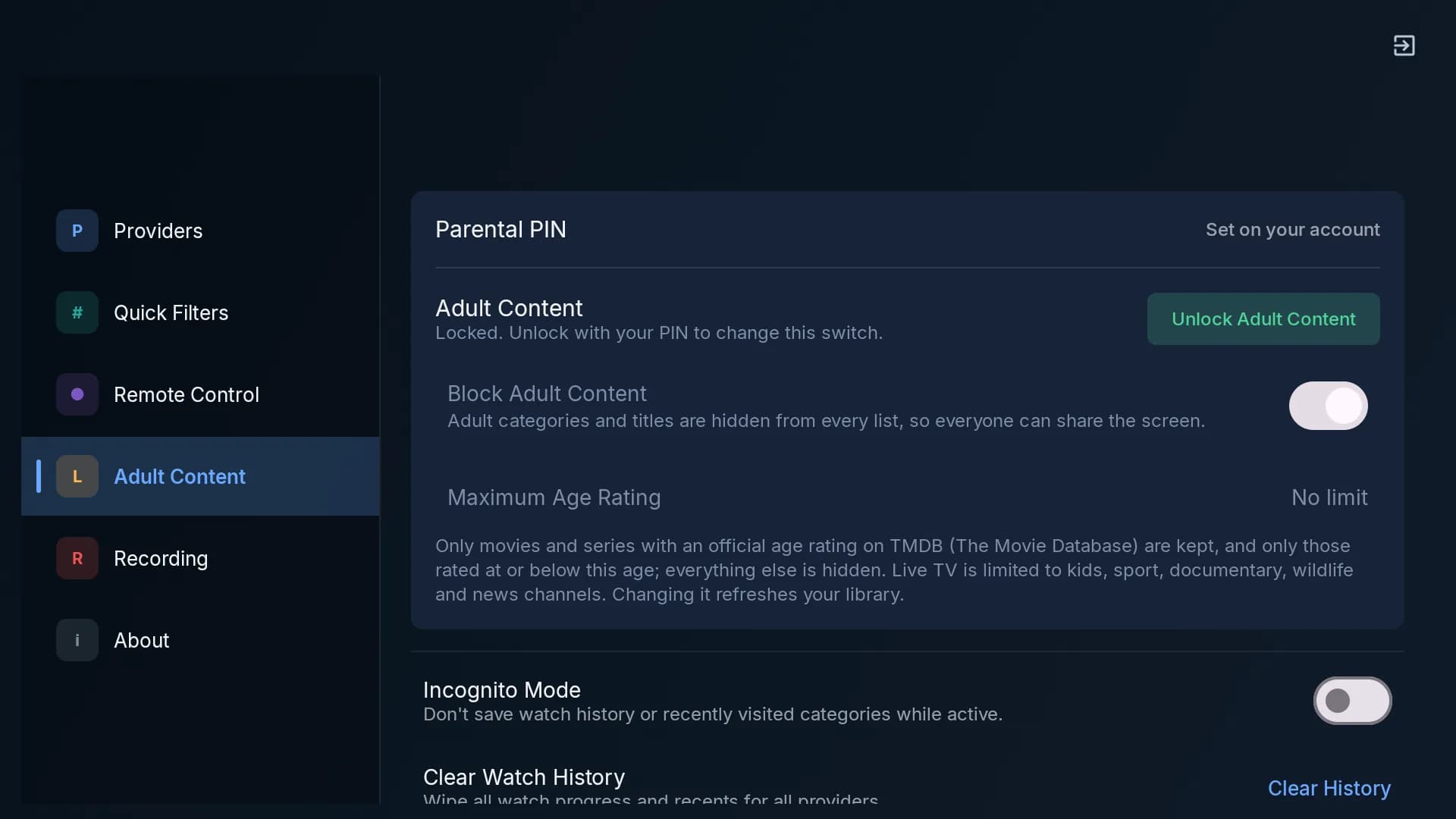
Maximum Age RatingAdult content stays blocked behind your PIN, and the whole library can be capped at 7, 13, 16 or 18.
 On an Amazon Firestick? Install it with the Downloader app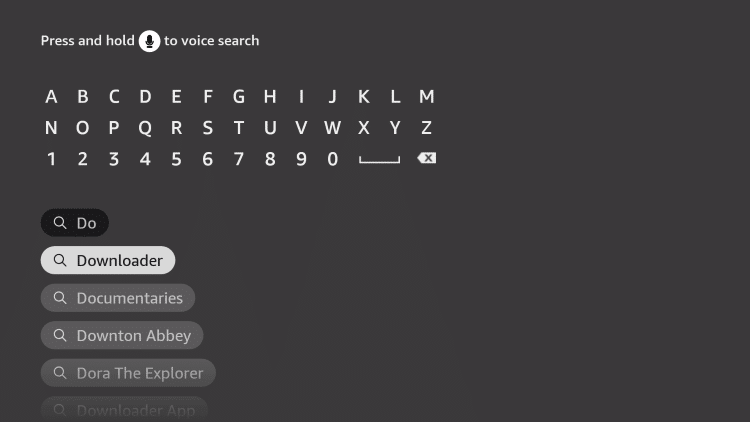
Fire OS
Amazon Firestick
Runs on Amazon’s Fire OS. The Box Seats APK is side-loaded through Downloader, so Fire TV must allow it once.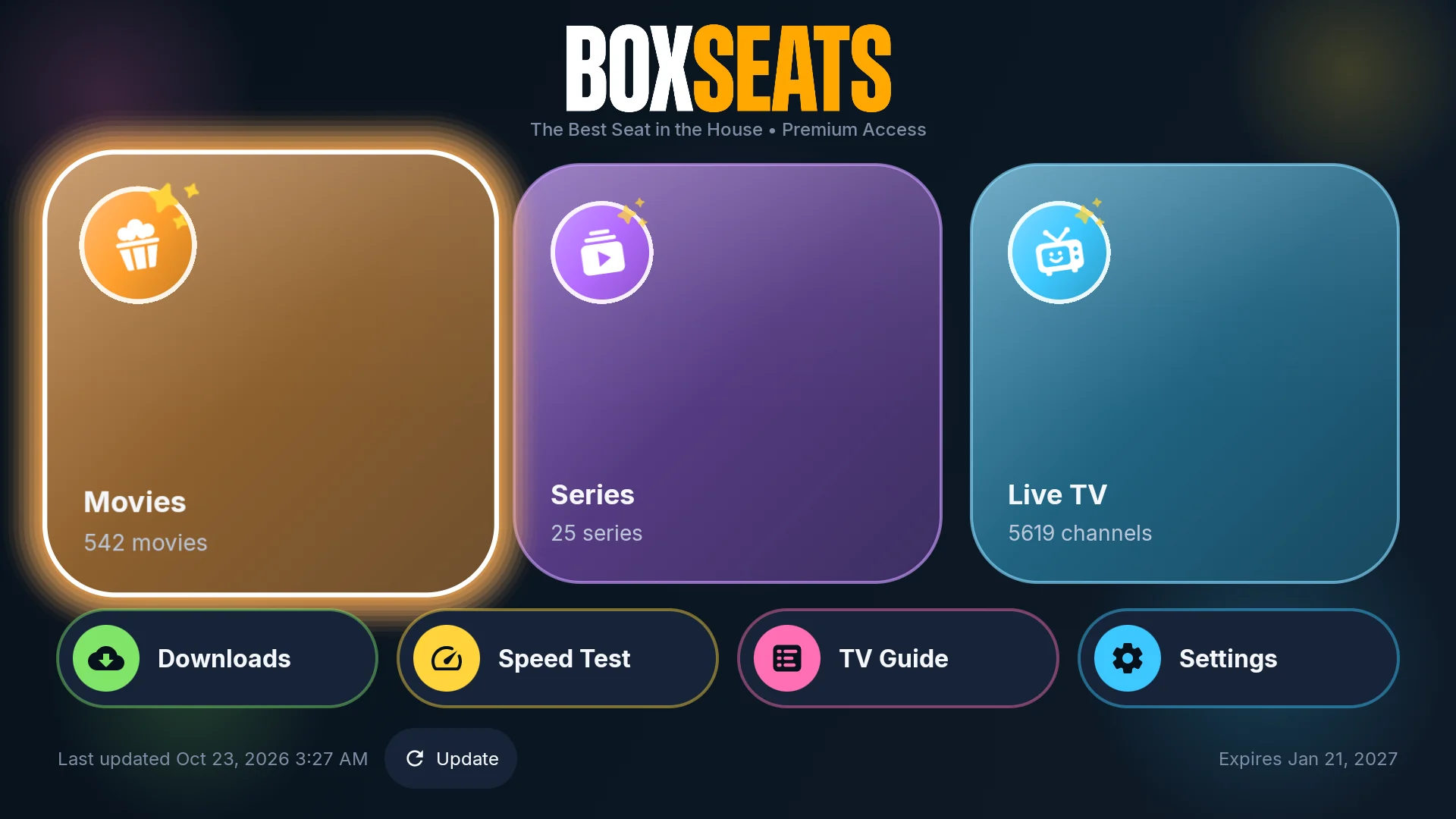
Box Seats app
Best free app for this device · Direct APK, via the Downloader appFree
01
Turn on your Fire TV device and click on the Search icon.
02
Type Downloader using the remote.
03
Click Download to install the Downloader app from the Amazon App Store.
04
Go to Settings → My Fire TV → Developer Options → Install Unknown Apps → Downloader → Turn on.
05
Open the Downloader app, enter https://www.boxseats.tv/download/ and install the Box Seats app.
06
Once installed, select Open to launch Box Seats and sign in with your subscription details.
Get started
Ready to start streaming?
Pick a package and we'll email your login details within one business day.The Android robot is reproduced or modified from work created and shared by Google and used according to terms described in the Creative Commons 3.0 Attribution License. Google Play and the Google Play logo are trademarks of Google LLC. The movie and series posters and the live-TV scene images on this page are original artwork generated for Box Seats with AI (Google Gemini) for fictional titles and scenes; they are not taken from any film, series, broadcaster or photograph, and show no real people.